

Creating standout YouTube thumbnails traditionally demands significant time and graphic design expertise, often consuming 30 to 60 minutes per video. AI tools now drastically reduce this burden, generating multiple professional thumbnail options in seconds while maintaining visual appeal and engagement potential. This guide explains how AI-powered workflows help you create engaging thumbnails efficiently, combining automation with strategic human refinement to maximize click-through rates and viewer engagement without sacrificing quality or brand consistency.
Table of Contents
- Key takeaways
- Understanding the basics of AI-powered thumbnail workflows
- Best practices for combining AI with human creativity
- Limitations and nuances of AI-generated thumbnails
- Practical steps to implement an AI-powered thumbnail workflow successfully
- Enhance your thumbnails with AI tools
- Frequently asked questions
Key Takeaways
| Point | Details |
|---|---|
| Time savings | AI reduces thumbnail creation time from up to an hour to seconds. |
| Hybrid workflow impact | Hybrid AI base generation with human refinement improves CTR and maintains brand consistency. |
| AI limitations require refinement | AI has limitations with text rendering and niche relevance, requiring human refinement. |
| Oversight prevents misleading thumbnails | Testing and human oversight help prevent misleading or generic thumbnails. |
Understanding the basics of AI-powered thumbnail workflows
AI-powered thumbnail workflows involve input methods like text prompts, video URL analysis, or reference image uploads, followed by AI generation using diffusion models naturally producing optimized thumbnails. These systems transform your creative vision into visual designs without requiring professional graphic design skills or expensive software subscriptions. The technology behind these workflows relies on machine learning models trained on thousands of high-performing YouTube thumbnails, learning patterns that drive viewer engagement and clicks.
You can provide input through three primary methods:
- Text prompt describing your video theme, emotion, or key visual elements
- Video URL analysis where AI extracts context from your actual content
- Reference image uploads to guide style, composition, or color palette
The AI uses diffusion models to generate designs, creating multiple variations (typically 3 to 5) per prompt to choose from. This variety gives you options without manual iteration, letting you select the strongest candidate quickly. The system automatically designs thumbnails with optimal 1280x720 resolution, bold text placement, high contrast color schemes, and emotional facial expressions proven to boost engagement metrics.
This process reduces time from 30 to 60 minutes down to seconds compared to manual creation using traditional design software. The efficiency gain becomes especially valuable for creators publishing multiple videos weekly or managing content across several channels simultaneously. You maintain creative control while delegating the technical execution to AI, freeing mental bandwidth for content strategy and audience engagement. For a detailed walkthrough of the entire process, explore this step-by-step AI thumbnail guide that covers prompt engineering and output optimization.
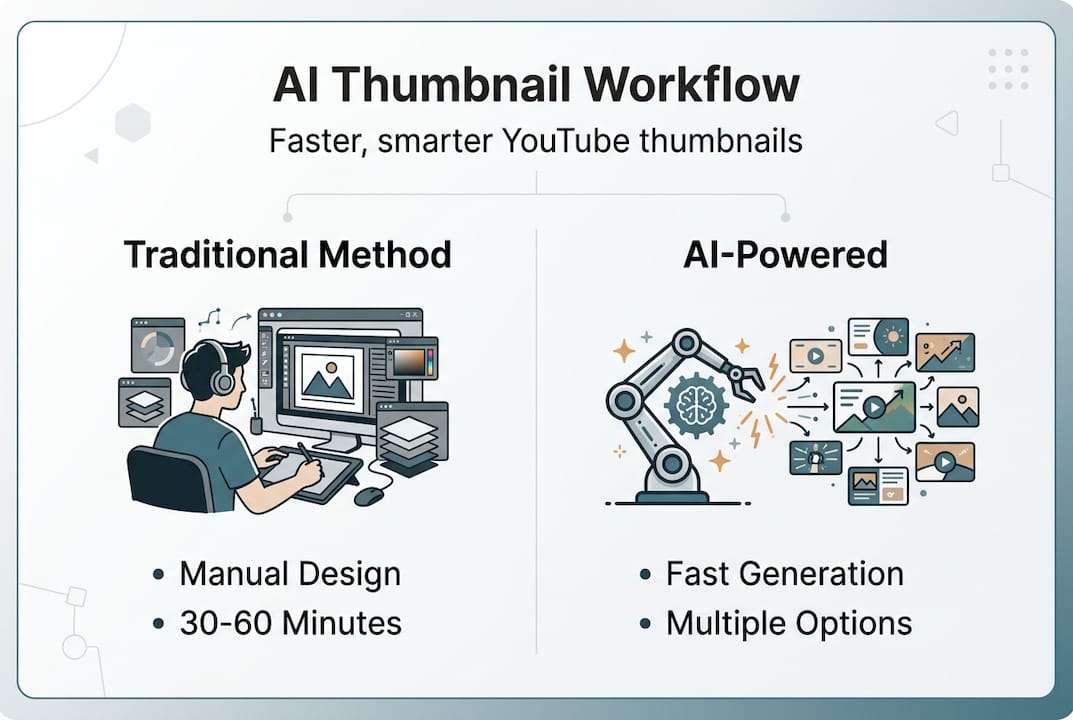
AI thumbnail generators handle the heavy lifting of composition, color theory, and visual hierarchy automatically. The models understand which elements attract attention in crowded subscription feeds and search results. They apply proven design principles without requiring you to study graphic design fundamentals or spend hours experimenting with layouts. This democratization of design capability levels the playing field between solo creators and professional production teams.
Best practices for combining AI with human creativity
Hybrid workflows using AI for base thumbnail generation and humans for text, contrast, and brand alignment save 75-95% of time and boost CTR by +16.8% median. Starting with AI-generated base thumbnails provides speed and multiple options, but human refinement elevates quality and ensures brand consistency across your channel. This collaborative approach combines machine efficiency with human judgment, producing thumbnails that perform better than either method alone.
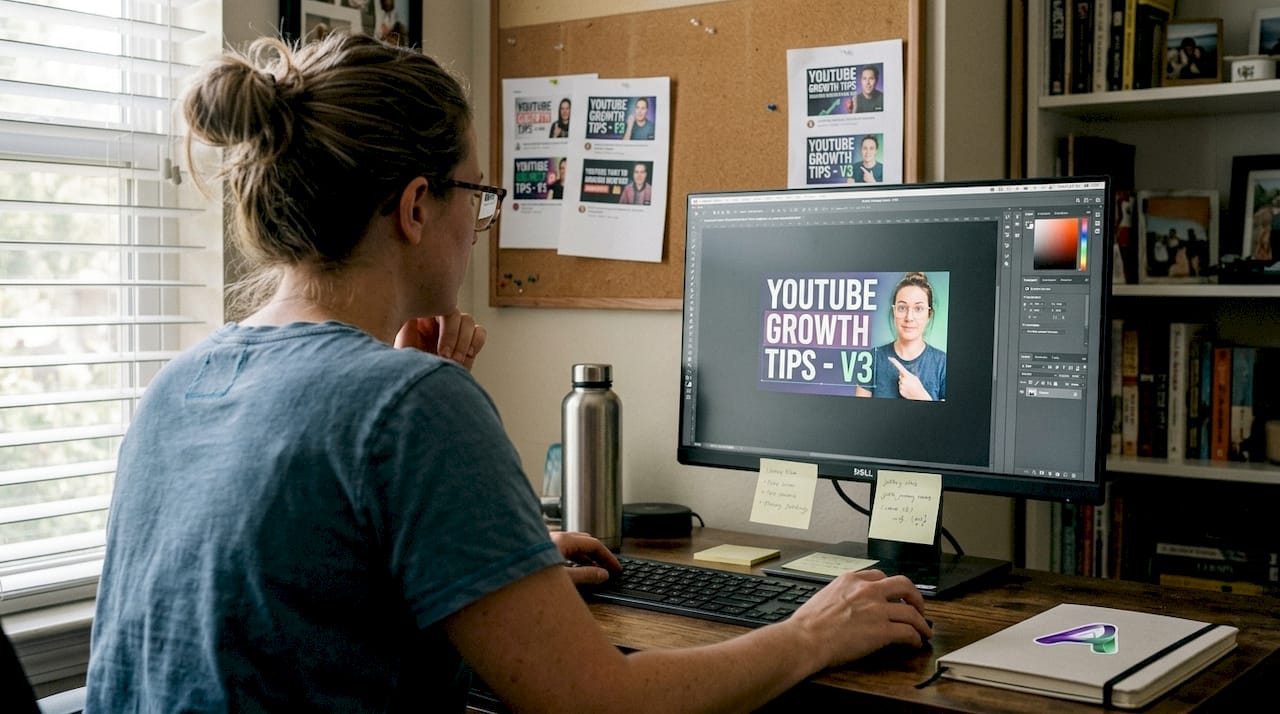
Refine text placement, font style, contrast, and align design with brand guidelines manually after AI generation. The AI may produce visually striking compositions, but your brand voice and specific messaging require human touch. Adjust typography to match your channel aesthetic, ensuring fonts remain readable across mobile devices where most YouTube viewing occurs. Fine-tune color saturation and contrast to make key elements pop without overwhelming viewers.
Human review catches AI text rendering issues and niche relevance gaps that automated systems miss. AI models sometimes generate distorted letters, misspelled words, or text that blends into background elements. Your expertise in your content niche allows you to identify when AI-generated imagery misses crucial context or cultural nuances that resonate with your specific audience.
Follow this numbered workflow for optimal results:
- Generate variations with AI using descriptive prompts that capture your video's core message
- Select best options based on visual impact, clarity, and alignment with video content
- Edit text content and style to ensure readability and brand voice consistency
- Adjust contrast and colors to maximize visibility across different screen sizes and lighting conditions
- Final review for brand consistency, checking against your style guide and previous successful thumbnails
Pro Tip: Regularly test thumbnail variations to optimize CTR performance and avoid generic designs that blend into crowded feeds. Use YouTube Analytics to compare performance across different thumbnail styles, identifying patterns that resonate with your specific audience demographics and viewing habits.
This hybrid approach respects both the speed of automation and the irreplaceable value of human creative judgment. You leverage AI to handle repetitive design tasks while focusing your energy on strategic decisions that directly impact viewer engagement. The combination produces thumbnails faster than manual creation while maintaining higher quality than fully automated solutions. For additional optimization strategies, review these YouTube thumbnail tips covering composition, psychology, and platform-specific best practices.
Limitations and nuances of AI-generated thumbnails
AI struggles with text rendering, niche-specific relevance, and can produce misleading thumbnails, which may temporarily boost CTR but damage trust. Understanding these constraints helps you implement effective quality control measures and set realistic expectations for what AI can deliver without human oversight. Recognition of limitations prevents over-reliance on automation that could harm your channel's long-term performance and audience relationships.
AI faces difficulty rendering readable, visually appealing text consistently across different styles and backgrounds. Letters may appear warped, spacing can look unnatural, and font choices sometimes clash with the overall design aesthetic. These text issues require manual correction in nearly every AI-generated thumbnail, making this the most common refinement task in hybrid workflows.
Key limitations include:
- Failure to capture niche-specific content details like technical diagrams, specialized equipment, or cultural references
- Inability to understand subtle context that distinguishes your content from generic videos in the same category
- Risk of producing generic designs that lack the unique visual identity necessary for brand recognition
- Tendency to default to overused visual tropes that may not align with your content style or audience expectations
Over-reliance on AI risks producing generic or misleading thumbnails that harm channel trust and viewer satisfaction. Misleading thumbnails may increase CTR by 14% initially but lower viewer retention and trust long-term, creating a negative feedback loop in YouTube's recommendation algorithm. The platform's systems detect when viewers click but don't watch, interpreting this pattern as poor content quality regardless of your actual video value.
Shorts thumbnails are less critical due to autoplay behavior reducing need for clickable images in the Shorts feed. The vertical video format and swipe-based discovery mechanism mean viewers encounter your content differently than traditional horizontal videos. While custom thumbnails still appear in search results and channel pages, the autoplay nature of Shorts diminishes their importance compared to standard YouTube videos.
Caution: AI enables scale but risks generic/misleading designs; hybrid + testing essential for sustained engagement.
These limitations don't invalidate AI thumbnail tools but rather define their proper role in your content creation workflow. Treat AI as a powerful assistant that accelerates initial design phases while recognizing that final quality depends on your creative oversight and strategic refinement. Compare different AI thumbnail generator options to find tools that minimize common weaknesses and align with your specific content needs. For deeper technical understanding of AI thumbnail generation challenges, this AI thumbnail research paper examines model architectures and performance metrics across different approaches.
Practical steps to implement an AI-powered thumbnail workflow successfully
Effective AI-human hybrid workflows save tremendous time and improve engagement when executed with testing and branding consistency. Implementing a systematic approach ensures you capture efficiency gains while maintaining quality standards that protect your channel's reputation and viewer relationships. Follow these actionable steps to build a sustainable thumbnail creation process that scales with your content production schedule.
- Select AI thumbnail generation tool optimized for YouTube 1280x720 standard, ensuring output matches platform requirements without additional resizing
- Input descriptive text prompts, video URLs, or images to generate multiple thumbnail variants that explore different visual approaches
- Review AI outputs and shortlist best options based on visual clarity, emotional impact, and alignment with video content
- Customize text, colors, contrast, and branding elements manually to ensure readability and channel consistency
- A/B test thumbnails within your video analytics platform to measure CTR impact and identify winning design patterns
- Continuously refine based on performance data and audience feedback, building a knowledge base of what resonates with your specific viewers
Pro Tip: Maintain a thumbnail brand style guide to ensure consistent look and feel across videos even when using AI, documenting preferred fonts, color palettes, composition rules, and visual elements that reinforce channel identity.
This workflow comparison illustrates the efficiency and effectiveness differences between approaches:
| Workflow Type | Time per Thumbnail | Average CTR Improvement | Brand Consistency | Best Use Case |
|---|---|---|---|---|
| Manual Design | 30-60 minutes | Baseline | High | Custom projects requiring unique artistic vision |
| AI-Only | 30-60 seconds | +8-12% | Low | Rapid testing or low-stakes content |
| Hybrid AI-Human | 3-5 minutes | +16.8% | High | Regular content production balancing speed and quality |
The hybrid approach delivers the strongest combination of efficiency and results, saving approximately 90% of time compared to manual design while achieving superior CTR performance. This workflow becomes increasingly valuable as your content production volume grows, creating compounding time savings that free resources for other channel growth activities.
Start small by testing AI workflows on a few videos before committing to full adoption across your entire channel. This gradual implementation allows you to develop refinement skills and identify which AI tools best match your content style and audience preferences. Track performance metrics carefully during the transition period, comparing AI-assisted thumbnails against your previous manual designs to validate the approach.
Document your learnings in a style guide that captures successful patterns and common pitfalls specific to your niche and audience. This knowledge base becomes increasingly valuable over time, enabling faster decision making and more consistent quality across team members if you expand production. For comprehensive guidance on creating YouTube thumbnails with AI, explore detailed tutorials covering prompt engineering, output evaluation, and refinement techniques that maximize both efficiency and engagement.
Enhance your thumbnails with AI tools
Ready to transform your thumbnail creation process and reclaim hours each week? Discover the best AI thumbnail generator comparison featuring detailed free versus paid tool evaluations to match your budget and production needs. Access expert YouTube thumbnail tips tailored specifically for content creators looking to boost views through strategic visual design.
Follow step-by-step tutorials in our comprehensive AI thumbnail creation guide to get started quickly with proven workflows that balance automation efficiency with creative control. Leverage these specialized resources to improve your workflow and maximize click-through rates efficiently, joining thousands of creators who have already streamlined their production process while maintaining professional quality standards.
Frequently asked questions
What inputs do AI thumbnail generators use?
AI thumbnail generators accept text prompts describing your video theme or desired visual elements, video URLs for automated content analysis, or reference images to guide style and composition. These input methods give you flexibility to work however fits your creative process, whether you prefer written descriptions or visual examples.
How much time can AI workflows save?
AI workflows reduce thumbnail creation time from approximately 30 to 60 minutes down to seconds for initial generation, with total hybrid workflow time around 3 to 5 minutes including human refinement. This represents a 90% time savings compared to traditional manual design methods.
Are AI-generated thumbnails always ready to use?
No, AI-generated thumbnails typically require human refinement on text rendering, brand alignment, and niche-specific details for best results. Treating AI output as a strong starting point rather than finished product ensures quality and consistency.
Can AI thumbnails mislead viewers?
Yes, overly generic or misleading AI-generated designs may boost initial clicks temporarily but harm viewer trust and retention long-term. Always verify that thumbnails accurately represent video content to maintain audience relationships and algorithm performance.
Do Shorts videos need custom thumbnails?
Shorts require custom thumbnails less urgently because autoplay behavior in the Shorts feed reduces thumbnail click importance, though they still appear in search results and channel pages. Focus AI thumbnail efforts primarily on standard horizontal videos where click decisions matter more. For complete implementation guidance, review YouTube AI thumbnail creation steps covering both video formats.