
Your YouTube thumbnail can make or break your video's success. A single thumbnail swap resulted in 978% more views, proving these small images wield enormous power over your channel's growth. Yet many creators still treat thumbnail design as an afterthought, spending hours in complex editing software or settling for mediocre results. AI tools have revolutionized this process in 2026, enabling you to generate professional, click-worthy thumbnails in seconds without design expertise. This guide reveals how efficient thumbnail production using AI can dramatically increase your click-through rates and transform your channel's performance.
Table of Contents
- What Is Efficient Thumbnail Production?
- How AI Is Transforming Thumbnail Production In 2026
- Testing And Optimizing Thumbnails For Maximum Click-Through Rate
- Practical Workflow For Efficient Thumbnail Production Using AI In 2026
- Explore AI Tools To Boost Your Thumbnail Success
- Frequently Asked Questions
Key takeaways
| Point | Details |
|---|---|
| AI productivity boost | AI implementation delivers 20-30% productivity gains in thumbnail creation workflows |
| Testing impact | Systematic thumbnail testing can increase click-through rates by 20-40% or more |
| Automated testing | YouTube's Test & Compare feature automatically evaluates up to 3 thumbnail variations |
| Real-time processing | Modern AI models like ViNet-S process visual elements at over 1000 frames per second |
| Workflow efficiency | AI automates background removal, text placement, and image enhancement tasks |
What is efficient thumbnail production?
Efficient thumbnail production means creating eye-catching thumbnails with minimal effort while maximizing viewer impact. This approach streamlines your workflow from initial concept to final published image, cutting production time without compromising quality. The goal is faster content release cycles paired with higher viewer engagement, letting you focus energy on video creation rather than design struggles.
Traditional thumbnail creation involves multiple software programs, manual editing, and significant time investment. Efficient production flips this model by leveraging AI to automate repetitive tasks. Background removal, text placement, color correction, and image enhancement now happen automatically. You maintain creative control while the technology handles technical execution.
Organizations implementing AI strategically report 20-30% productivity gains across various workflows. For thumbnail production, this translates to faster iteration cycles and more time testing variations. You can generate dozens of thumbnail concepts in minutes, then refine the most promising candidates.
Key benefits of efficient thumbnail production include:
- Reduced design time from hours to minutes per thumbnail
- Ability to batch-produce multiple variations for testing
- Consistent quality across all channel content
- Lower barrier to entry for creators without design backgrounds
- Faster response to trending topics and viral opportunities
Pro Tip: Use AI to generate 10-15 thumbnail variations quickly, then narrow to your top 3 candidates for rigorous testing. This approach combines speed with data-driven decision making.
"Efficiency in thumbnail production doesn't mean sacrificing quality. It means working smarter by automating technical tasks while preserving your creative vision and brand identity."
Many creators mistakenly believe efficient production equals lower quality. The opposite proves true when you apply the right tools and workflows. Modern best AI thumbnail generator 2026 platforms deliver professional results that rival custom design work, often surpassing manual efforts through data-informed optimization.
How AI is transforming thumbnail production in 2026
Artificial intelligence has fundamentally changed how creators approach thumbnail design. Modern AI models analyze visual elements with remarkable speed and precision, identifying which components attract viewer attention most effectively. This technology enables creators to produce thumbnails that perform better while requiring less manual effort.

ViNet-S achieves real-time visual saliency detection at over 1000fps with a compact model size, making it ideal for thumbnail optimization. Saliency detection identifies which parts of an image naturally draw the human eye, crucial knowledge for thumbnail design. By understanding these patterns, AI tools automatically position key elements like faces, text, and objects in attention-grabbing locations.
The U²-Net architecture enhances feature extraction for salient object detection and background removal. This capability lets you isolate subjects cleanly, removing distracting backgrounds and creating professional compositions. Clean backgrounds make text more readable and subjects more prominent, directly improving click-through rates.
AI assists with multiple thumbnail production tasks:
- Facial expression enhancement to maximize emotional appeal
- Automatic text integration with optimal sizing and placement
- Color scheme matching to brand guidelines or trending palettes
- Object detection and smart cropping for better composition
- Style transfer to maintain consistent channel aesthetics
| AI Model | Primary Capability | Thumbnail Application | Processing Speed |
|---|---|---|---|
| ViNet-S | Visual saliency detection | Identifies attention-grabbing element placement | Over 1000fps |
| U²-Net | Background removal and object isolation | Creates clean, professional compositions | Real-time processing |
| Gemini AI | Multi-modal generation and understanding | Generates complete thumbnails from text descriptions | Seconds per image |
These models work together in modern thumbnail generators, creating a pipeline that handles everything from initial concept to final polished image. You describe your vision or upload reference materials, and the AI produces multiple variations optimized for viewer engagement.
Pro Tip: Leverage saliency detection AI to position your subject's face or key visual element in the upper left or center of thumbnails, where viewer eyes naturally land first during rapid scrolling.
The combination of speed and quality represents the biggest transformation. What once required 30-60 minutes of manual editing now takes under 5 minutes with AI assistance. This efficiency gain compounds across your content calendar, freeing hundreds of hours annually for actual video production. Explore detailed AI thumbnail creation steps to understand how these technologies integrate into practical workflows.
Testing and optimizing thumbnails for maximum click-through rate
Creating attractive thumbnails is only half the equation. Systematic testing reveals which designs actually drive clicks, separating assumptions from data-driven insights. Higher click-through rates trigger YouTube's recommendation algorithm, exposing your content to broader audiences and accelerating channel growth.
Systematic thumbnail testing can increase CTR by 20-40% or more compared to using untested designs. This improvement directly translates to more views, watch time, and subscriber growth. Yet many creators publish thumbnails based on gut feeling rather than evidence, leaving significant performance gains untapped.
YouTube's Test & Compare feature automatically A/B tests up to 3 thumbnails, splitting traffic evenly and measuring which version performs best. This built-in tool eliminates guesswork and provides statistically valid results. After sufficient impressions, YouTube identifies the winning thumbnail and can automatically apply it permanently.
Manual A/B testing offers more control but requires careful execution. You need at least 1,000 views per thumbnail variation to achieve statistical significance. Switching thumbnails too frequently or with insufficient data leads to false conclusions. Balance impression counts evenly between variations by timing your swaps strategically.
Key thumbnail elements to test systematically:
- Facial expressions (surprised, excited, serious, confused)
- Text hooks and headline variations
- Color schemes and contrast levels
- Background complexity (busy vs. minimal)
- Subject positioning and framing
- Presence or absence of arrows, circles, and visual indicators
Follow this testing workflow for optimal results:
- Generate 3-5 thumbnail candidates using AI tools with different styles and elements
- Select your top 3 variations based on alignment with video content and brand
- Upload thumbnails to YouTube's Test & Compare or schedule manual rotation
- Allow each variation to accumulate at least 1,000 impressions before analysis
- Review CTR data and identify the clear winner with highest performance
- Apply winning thumbnail permanently and document successful elements
- Use insights to inform future thumbnail designs and testing priorities
Pro Tip: Wait for statistical significance before declaring a winning thumbnail. Premature decisions based on small sample sizes often lead to suboptimal long-term performance.
"The difference between a 3% CTR and a 5% CTR might seem small, but across thousands of impressions, it represents hundreds of additional viewers discovering your content and potentially subscribing to your channel."
Testing reveals surprising insights that contradict conventional wisdom. Thumbnails you personally dislike sometimes outperform favorites by wide margins. Trust the data over personal preference. Viewer behavior, not creator taste, determines success. Implement comprehensive YouTube thumbnail tips 2026 alongside rigorous testing for maximum channel growth.
Practical workflow for efficient thumbnail production using AI in 2026
Integrating AI generation with systematic testing creates a powerful workflow that consistently produces high-performing thumbnails. This practical approach combines speed, quality, and data-driven optimization into a repeatable process any creator can master.
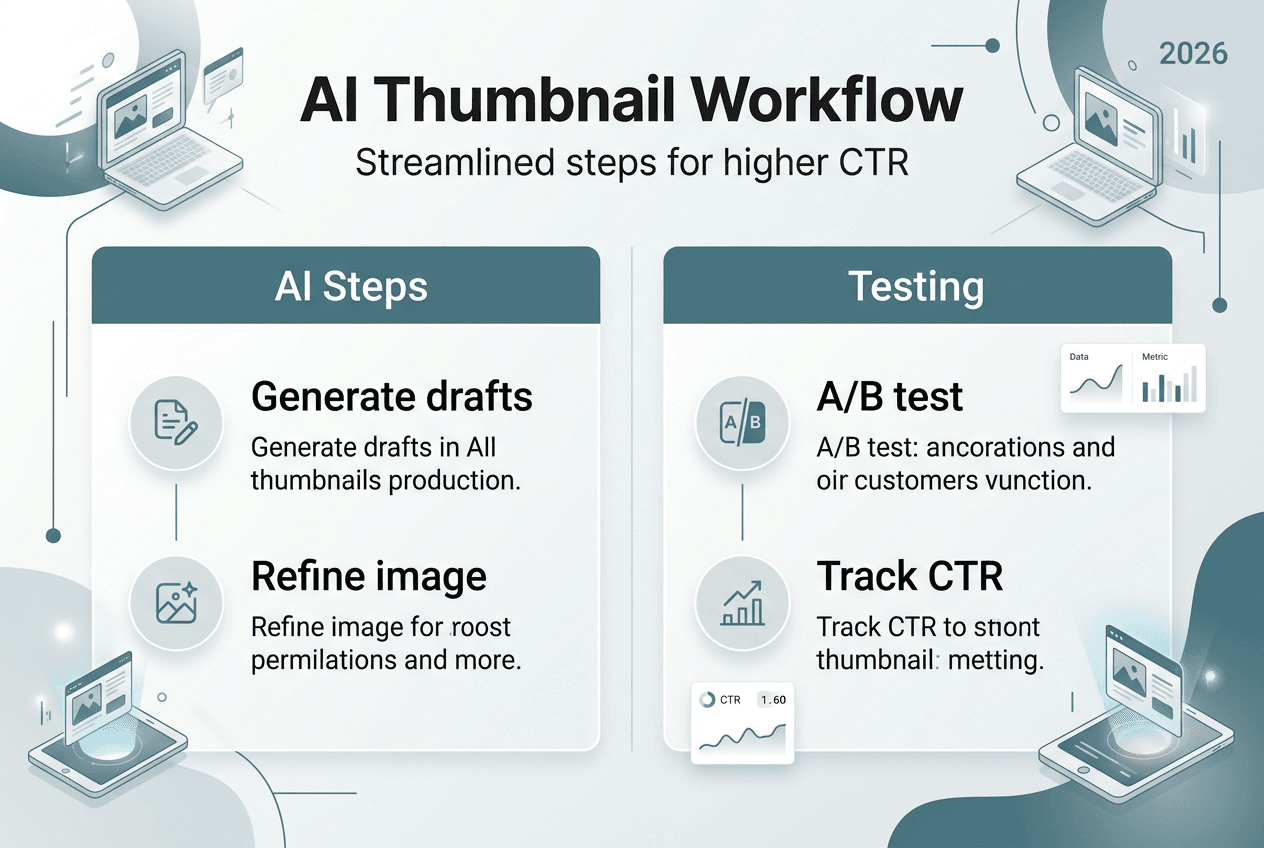
Step 1: Define thumbnail goals based on your video content and target audience. Consider the emotional response you want to trigger and the key message viewers should grasp in under one second. Align thumbnail style with your channel's established brand while allowing room for attention-grabbing variation.
Step 2: Generate initial thumbnails using AI tools with different input modes. ThumbExpert offers three generation modes suited for diverse creator needs: Title-only mode for quick concepts, Title + Reference Image for style matching, and Title + Face Swap for personalized branding. Each mode balances ease of use with customization depth differently.
Step 3: Refine thumbnails by applying advanced AI models for saliency detection and background removal. Clean up distracting elements, enhance subject prominence, and ensure text remains readable at small sizes. Mobile viewers represent the majority of YouTube traffic, so thumbnails must work on smartphone screens.
Step 4: Perform A/B testing using YouTube's native tools or third-party analytics platforms. Upload your top 3 refined thumbnails and let real viewer behavior determine the winner. Collect sufficient impression data before making final decisions.
| Generation Mode | Ease of Use | Customization Level | Ideal Use Case |
|---|---|---|---|
| Title-only | Highest (one input field) | Limited (AI decides all elements) | Quick concepts and brainstorming |
| Title + Reference Image | Medium (two inputs) | Moderate (style guidance) | Matching established aesthetic |
| Title + Face Swap | Medium (upload photo) | High (personal branding) | Creator-focused content |
Pro Tip: Maintain a repository of tested thumbnail templates organized by performance metrics. When creating new thumbnails, reference past winners to accelerate design decisions and increase success probability.
This workflow transforms thumbnail production from a creative bottleneck into a streamlined, repeatable system. The AI handles technical execution while you focus on strategic decisions about messaging, branding, and audience psychology. Over time, you develop intuition for which thumbnail elements resonate with your specific audience, informed by actual performance data rather than guesswork.
Integrate continuous improvement into your process by regularly reviewing thumbnail analytics. Identify patterns among your best performers and incorporate those elements into future designs. The combination of AI speed and testing rigor creates a virtuous cycle where each thumbnail iteration performs better than the last. Explore comprehensive AI thumbnail creation steps and compare options through detailed AI thumbnail generator comparison resources to optimize your specific workflow.
Explore AI tools to boost your thumbnail success
Ready to transform your thumbnail production workflow? Modern AI-powered thumbnail generators make professional design accessible to creators at every level, from beginners launching their first channel to established YouTubers optimizing existing content. The right tools eliminate technical barriers while preserving creative control.
Our platform offers comprehensive resources to guide your thumbnail optimization journey. Explore detailed comparisons of the best AI thumbnail generator 2026 options, covering both free and premium solutions. Each tool brings unique strengths, whether you prioritize speed, customization depth, or specific style capabilities.

Implement proven strategies through our expert YouTube thumbnail tips 2026 guide, packed with actionable insights from successful creators. Follow step-by-step tutorials in our AI thumbnail creation steps resource to master efficient workflows. These materials translate complex AI capabilities into practical techniques you can apply immediately, helping you produce thumbnails that drive measurable results.
Frequently asked questions
What is efficient thumbnail production?
Efficient thumbnail production creates compelling YouTube thumbnails quickly without sacrificing quality or viewer appeal. It combines AI automation for technical tasks like background removal and layout with strategic human decisions about messaging and branding. This approach reduces design time from hours to minutes while often improving results through data-informed optimization and rapid iteration testing.
How can AI improve my YouTube thumbnails?
AI speeds up thumbnail design by automating background removal, saliency detection, and optimal layout decisions based on attention patterns. Advanced models identify which visual elements naturally draw viewer eyes and position subjects accordingly. AI also enables rapid generation of multiple variations, letting you test different styles, colors, and compositions to discover what resonates most with your specific audience. Organizations implementing AI strategically report 20-30% productivity gains, freeing time for content creation and strategy.
What tools are best for testing thumbnail effectiveness?
YouTube's built-in Test & Compare feature provides the simplest path to reliable thumbnail testing, automatically splitting traffic between up to 3 variations and identifying top performers. This native tool requires no additional software and delivers statistically valid results after sufficient impressions. Third-party analytics platforms offer deeper insights like demographic breakdowns and click pattern heatmaps, useful for creators wanting granular optimization data beyond basic CTR metrics.
How much time can I save with AI thumbnail generators?
AI thumbnail generators typically reduce production time by 20-30% or more, condensing what once took 30-60 minutes of manual editing into under 5 minutes of guided generation. This efficiency compounds across your content calendar, potentially saving 10-15 hours monthly for creators publishing daily. The time savings grow further when you factor in reduced learning curves, as AI tools require minimal design expertise compared to mastering complex software like Photoshop or GIMP.