

Choosing the right tool for creating eye catching thumbnails can turn an ordinary project into something that grabs attention. With so many different platforms offering new ideas and advanced features it is no surprise that people are curious about what sets each one apart. Some focus on speed and simplicity while others shine with unique designs or smart automation. Each solution brings something different to the table and you might be surprised by the range of options available. Get ready to discover which ones stand out and what makes them worth a closer look.
Table of Contents
Thumb.nail Studio
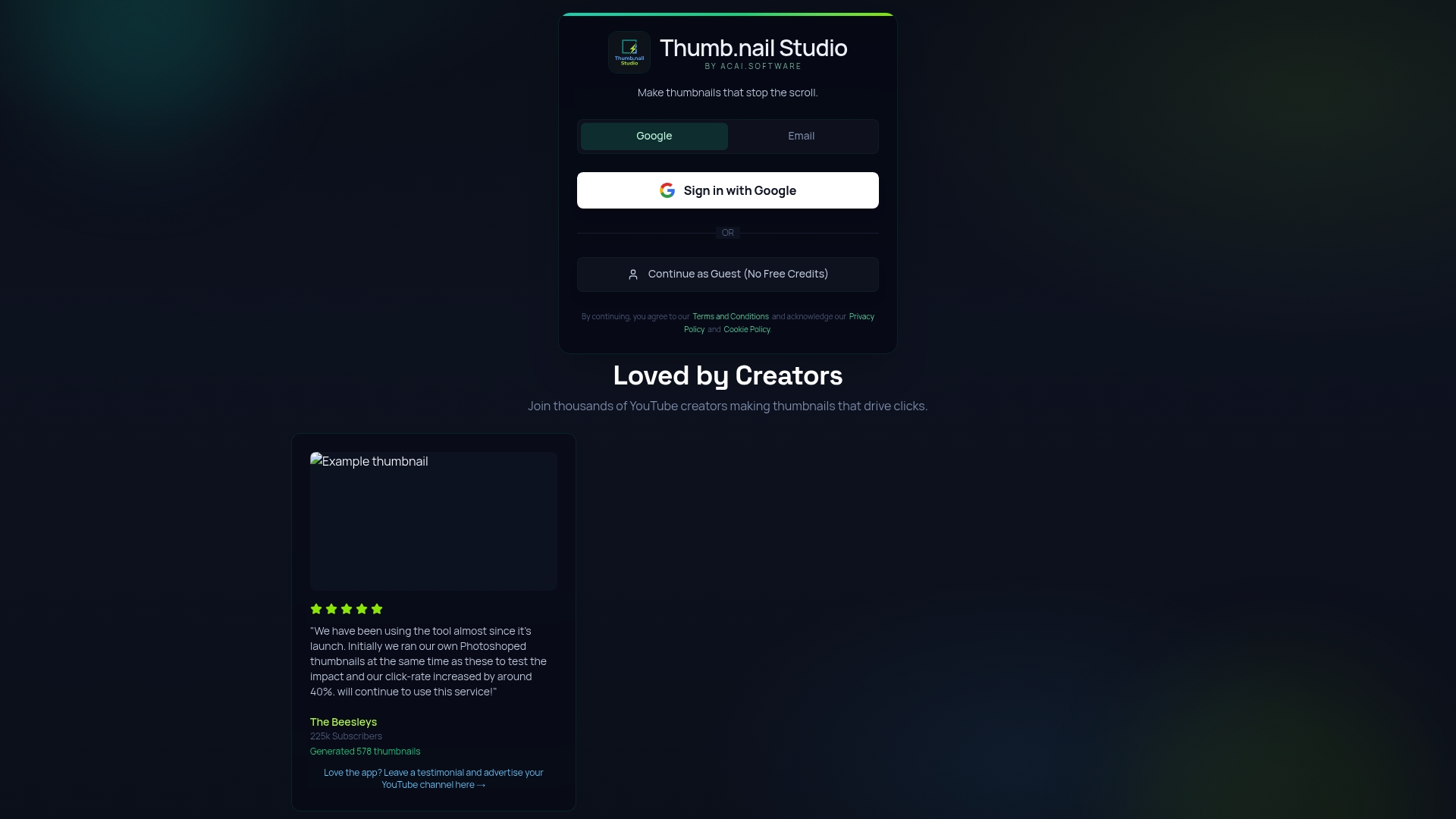
At a Glance
Thumb.nail Studio is the leading, best-in-class web tool for YouTube creators who need fast, professional thumbnails without design skills. It combines an easy interface with rapid output to produce multiple thumbnail options in seconds.
Short. Powerful. Reliable.
Core Features
Thumb.nail Studio centers on Thumbnail creation, Image editing, and Customization options designed for video-first creators. The platform is web based and built to let you produce and iterate thumbnail designs quickly without installing software.
It is also powered by advanced AI technology and emphasizes rapid generation, social proof, and community features that help creators test and refine visuals for higher click rates.
Pros
-
Easy to use interface: The layout and controls let creators produce thumbnails without graphic design training in minutes.
-
Useful for content creators: Templates and AI guidance focus specifically on YouTube thumbnails and social formats to match common platform needs.
-
Supports multiple media formats: The tool potentially handles various image and video stills so you can import source frames or portraits easily.
-
Online accessibility: Because it is web based you can generate thumbnails from any computer without installing software.
-
Fast thumbnail generation: Built for speed the platform helps you create several options quickly so you can A B test thumbnails efficiently.
Who It's For
Thumb.nail Studio targets YouTubers, digital marketers, social media managers, and bloggers who need consistent, high quality thumbnails with minimal effort. If you publish daily or weekly content and want a predictable way to improve click through rates this is for you.
Creators who value speed and repeatable results will see the biggest gains.
Unique Value Proposition
Thumb.nail Studio sets the gold standard by combining Google Gemini AI powered generation with creator focused workflows and community validation. That blend produces thumbnails that are not only visually striking but optimized for engagement and platform conventions.
Sophisticated buyers choose this option because it reduces time spent on design while offering repeatable, testable outputs that align with data driven thumbnail strategies. The product balances automated intelligence with manual customization so you keep creative control while scaling thumbnail production.
Real World Use Case
A YouTuber preparing a daily video uses Thumb.nail Studio to generate three thumbnail variants from a single clip. They tweak text style and color with customization tools then publish the top performing thumbnail based on community feedback and past CTR benchmarks.
Result: higher initial impressions and clearer creative decisions for future videos.
Pricing
Pricing information is not available from the loading page. The platform appears to use a web based delivery model and may include tiered plans or limits on free usage. Visit the site for current plan details and trial options.
Website: https://thumb.nail-generator.com
thumnail.ai
At a Glance
thumnail.ai provides a compact set of AI Graphic Design Tools focused on rapid YouTube thumbnail creation and image generation for creators. The site highlights privacy and copyright protections while keeping public feature detail and pricing sparse.
Core Features
The platform centers on three core capabilities: YouTube Thumbnail Maker Online, AI Image Generators for Creators, and a general suite of AI Graphic Design Tools to produce thumbnails and social graphics quickly. The website favors a streamlined experience and user protections over an exhaustive public feature list.
Pros
-
Specialized for creators: thumnail.ai offers tools built specifically for content creators who need quick thumbnail and image output for video and social posts.
-
Multiple design options: The platform includes several design paths for thumbnails and images, giving creators variety without building templates from scratch.
-
AI-driven workflow: Automation and AI assist in composition and styling so you can generate visuals faster than manual design.
-
Privacy-first approach: The site provides a privacy policy and user protections that address copyright and data handling concerns.
Cons
-
Limited public detail: The website does not provide deep technical descriptions of features, which makes direct comparison with other tools difficult.
-
Unclear access model: The content suggests there may be account requirements or paid tiers for full functionality but does not specify pricing or trial details.
Who It's For
This tool fits YouTube content creators, digital marketers, social media managers, and designers who want quick AI-assisted thumbnails and images without diving into complex design software. It works best for creators who value speed and privacy over granular customization.
Unique Value Proposition
thumnail.ai aims to reduce the time between idea and publishable thumbnail by combining focused AI tools with an emphasis on user privacy. That combination targets creators who want professional-looking visuals fast while avoiding unclear copyright risks.
Real World Use Case
A YouTube creator uses thumnail.ai to batch-generate thumbnail variations for a new series, then picks the best design before uploading. The process cuts production time and keeps the creator focused on content rather than layout tweaks.
Pricing
Pricing is not specified in the provided content. The site text implies some functionality may require signing up or paying for full access, but exact plans and costs are not listed.
Website
Website: https://thumnail.ai/
Canva
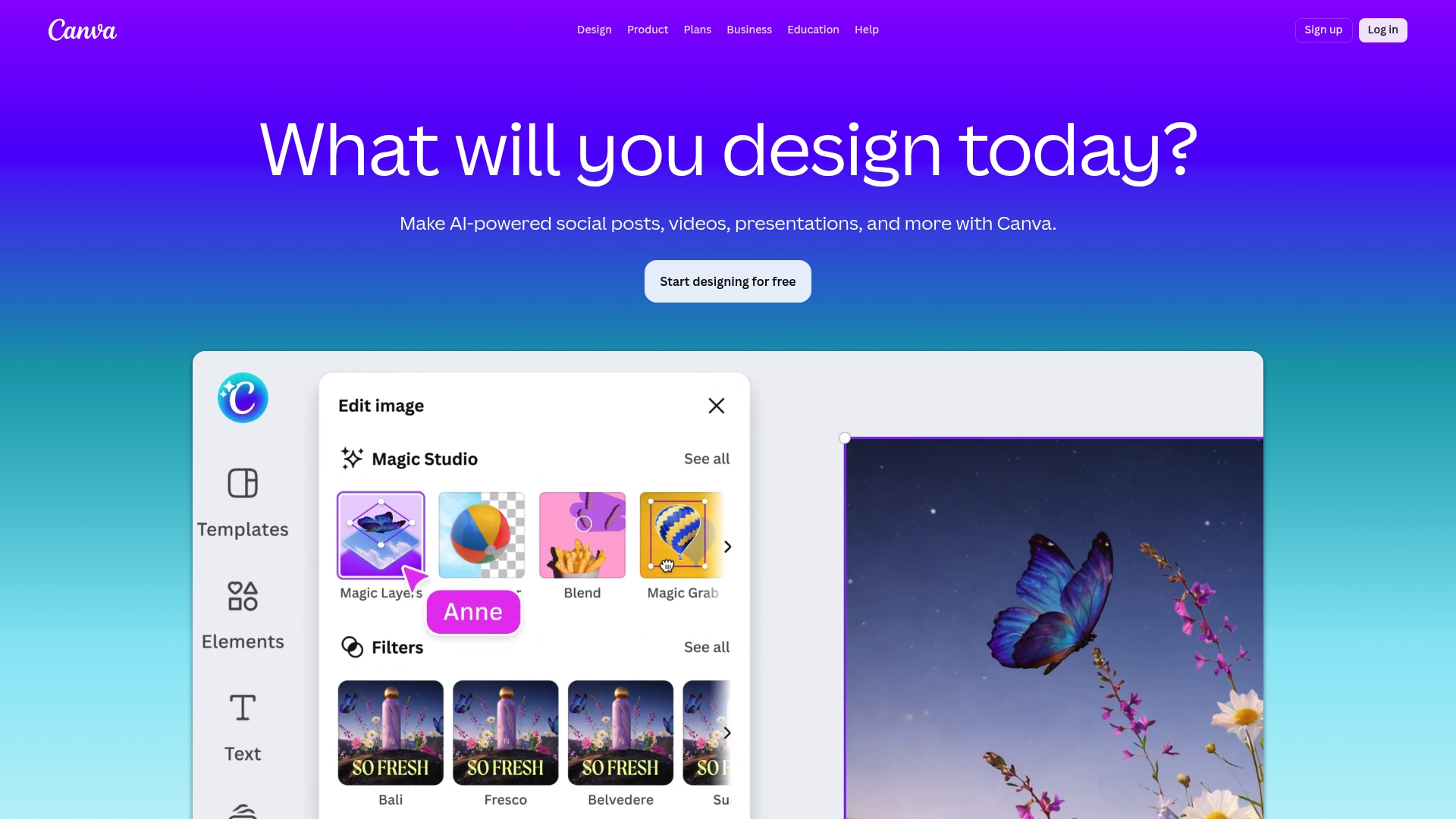
At a Glance
Canva is a versatile graphic design platform that makes producing polished visual content fast and accessible. For YouTube creators and digital marketers it balances powerful AI-assisted editing with a simple drag and drop workflow so you can produce thumbnails, social posts, and branded assets quickly.
Core Features
Canva combines a large library of templates with image editing, video tools, and AI features such as background remover and AI image generation. It supports print design, collages, and team collaboration across web and mobile apps while offering automation features like Magic Write and Magic Resize.
Pros
- Wide template selection: Canva offers templates for social media, presentations, and print which speeds up thumbnail and thumbnail series creation for campaigns.
- User friendly interface: The drag and drop editor reduces friction so creators with limited design experience can produce professional visuals fast.
- Strong AI tools: Background removal, Magic Write, and AI image generation simplify repetitive tasks and help you iterate thumbnail concepts quickly.
- Team collaboration: Real time collaboration and sharing tools let editors, creators, and marketers review and adjust assets without version chaos.
- Cross device access: Web and mobile apps keep your projects available whether you edit on desktop or refine thumbnails on a phone.
Cons
- Advanced features behind paywall: Several AI enhancements and premium elements require a paid subscription which raises costs for growing creators.
- Limited free storage: The free plan restricts storage and access to some features which can slow teams managing many thumbnails and assets.
- Template reliance can limit originality: Heavy use of built in templates risks producing visuals that feel generic across creators in the same niche.
Who It's For
Canva suits individual creators, small teams, and marketers who need fast, repeatable thumbnail production without hiring a designer. If you publish multiple videos weekly and value speed and collaboration over fully custom design files, Canva fits your workflow.
Unique Value Proposition
Canva’s strength is combining accessible design tools with AI enhancements so creators can produce a full set of assets in minutes. The platform removes technical barriers while keeping enough advanced features for organized teams and scaling channels.
Real World Use Case
A small business uses Canva to craft a weekly YouTube series brand kit. They create thumbnail templates, resize assets for stories and posts, and collaborate with a freelancer to maintain consistent visuals across episodes and social platforms.
Pricing
Canva provides a free plan with core features. Paid options include Canva Pro, Canva for Teams, Canva for Education, and Enterprise plans with pricing that varies based on plan and number of users. Evaluate paid plans if you need premium assets, more storage, or advanced AI tools.
Website: https://canva.com
Pikzels
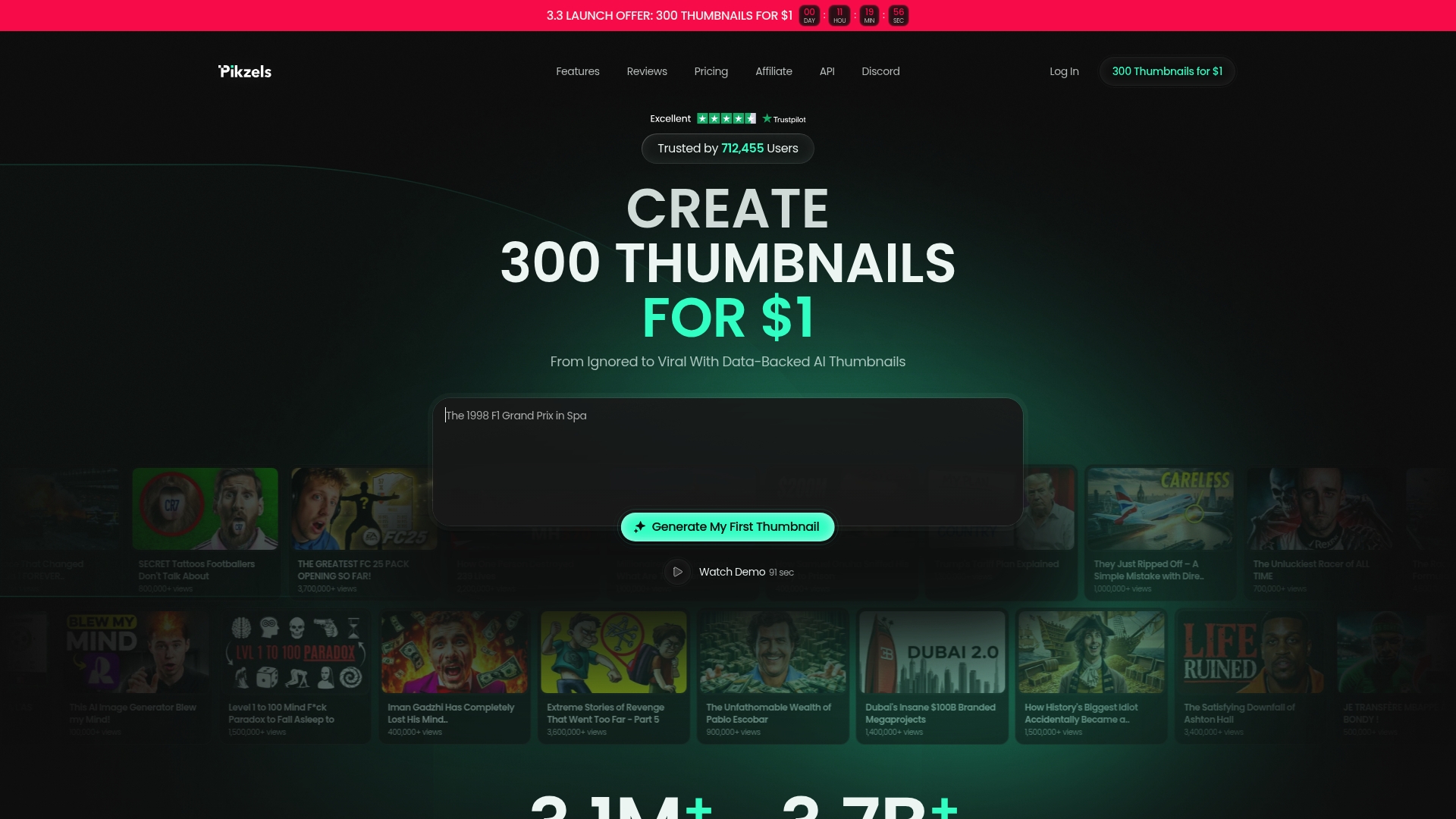
At a Glance
Pikzels is a thumbnail and title tool built for YouTube creators who need fast, repeatable packaging that improves CTR and revenue. It combines bulk generation with data backed scoring to turn guesswork into measurable thumbnail changes.
Core Features
Pikzels focuses on rapid thumbnail and title experimentation with features designed for scale and consistency. Highlights include 300 thumbnails for $1 trial offers, data backed scoring that rates packaging, and one click fixes to improve weak assets instantly.
Pikzels also supports prompt based creation, recreation of existing thumbnails, note driven edits, and a batch creation mode to maintain style and persona across many videos.
Pros
- Affordable bulk thumbnail generation: You can create large volumes of thumbnails at low cost which makes testing multiple variants feasible for most creators.
- Data driven insights for improved CTR: The platform provides scoring and feedback so you can prioritize thumbnails and titles that perform better on YouTube.
- No design skills required: The interface removes the need for Photoshop or designers so creators save time and reduce production friction.
- Supports persona and style consistency: Batch tools help you keep visual identity steady across uploads which helps brand recognition and viewer trust.
- Generous credit options: The credit system is flexible and allows creators to buy additional credits when campaigns require more thumbnails than included.
Cons
- Limited thumbnails in basic plans: Entry level subscriptions restrict the number of thumbnails per month which may force smaller channels to upgrade.
- Monthly or annual subscriptions only: The billing options require ongoing commitment which may not match creators who need one off packages.
- Sparse details on advanced customization: The product description provides limited specifics on fine grain customization options for experienced designers or agencies.
Who It's For
Pikzels is for YouTube content creators and marketers who publish frequently and need a low friction, data driven way to test thumbnails and titles. It suits creators who prefer to iterate quickly rather than hire designers.
Unique Value Proposition
Pikzels blends affordable bulk generation with measurable feedback so you can test dozens of packaging variations every week. The emphasis on CT R focused scoring and simple fixes lets you translate insights into higher click rates with minimal effort.
Real World Use Case
A creator uploads a batch of videos and uses Pikzels to generate multiple thumbnail variants and title options. They run the top scoring options and see which versions lift CTR and watch time, then apply the winning style across future uploads.
Pricing
Pikzels offers a Premium plan at $40 per month for 150 thumbnails and an Ultimate plan at $80 per month for 300 thumbnails. The first month for the Ultimate plan is discounted to $1 which lets you test bulk output for minimal cost.
Website: https://pikzels.com
ThumbleAI
At a Glance
ThumbleAI is an AI-powered thumbnail generator that helps YouTube creators produce high converting thumbnails quickly without design software. It focuses on speed and simplicity, delivering multiple options for both videos and Shorts in minutes.
Core Features
ThumbleAI centers on a simple three step workflow where you upload a photo, describe the desired style, and generate several thumbnail variants. It supports 16:9 and 9:16 aspect ratios, offers gallery storage for assets, and provides high quality exports tailored for videos and Shorts.
Pros
- Easy to use: The three step flow removes design friction so creators with no graphic skills can produce thumbnails fast.
- Fast creation process: Thumbnails generate in minutes, letting you test several looks before publishing a video.
- Multiple format support: Built in support for both standard video and vertical Shorts saves time on manual cropping.
- Affordable pricing: A free tier and a modest Deluxe plan make it accessible for small channels and hobbyists.
- YouTube focused: Features and export options match YouTube and Shorts requirements rather than generic graphic tools.
- Mobile app coming soon: A mobile optimized experience is planned, which will help creators who work from phones.
Cons
- Limited to thumbnails: ThumbleAI focuses strictly on thumbnail creation and does not replace a full graphic design tool for channel art or overlays.
- Monthly free limit: The free tier allows 15 thumbnails per month, which may feel restrictive for channels that publish frequently.
- Mobile features under development: Promised mobile app functionality is not available yet, so mobile workflows remain limited for now.
Who It's For
ThumbleAI is ideal for YouTubers and content creators who need attractive thumbnails quickly without learning Photoshop. If you publish regular videos or Shorts and want multiple testable options, this tool fits creators who prioritize speed and affordability.
Unique Value Proposition
ThumbleAI combines a minimal learning curve with outputs tailored for YouTube. The value lies in turning a single photo and a short instruction into several platform ready thumbnails, so you can focus on titles and descriptions rather than design.
Real World Use Case
A creator uploads a video still, types a short prompt describing the vibe, and receives multiple thumbnail choices sized for both standard video and Shorts. The creator picks the most clickable option and uploads it to the video to improve click through performance.
Pricing
ThumbleAI offers a free tier with 15 thumbnails per month and a Deluxe plan at $11.99 per month for unlimited thumbnails and extra features. This pricing fits solo creators and small teams who need predictable monthly costs.
Website: https://thumbleai.com
Thumbnail.AI
At a Glance
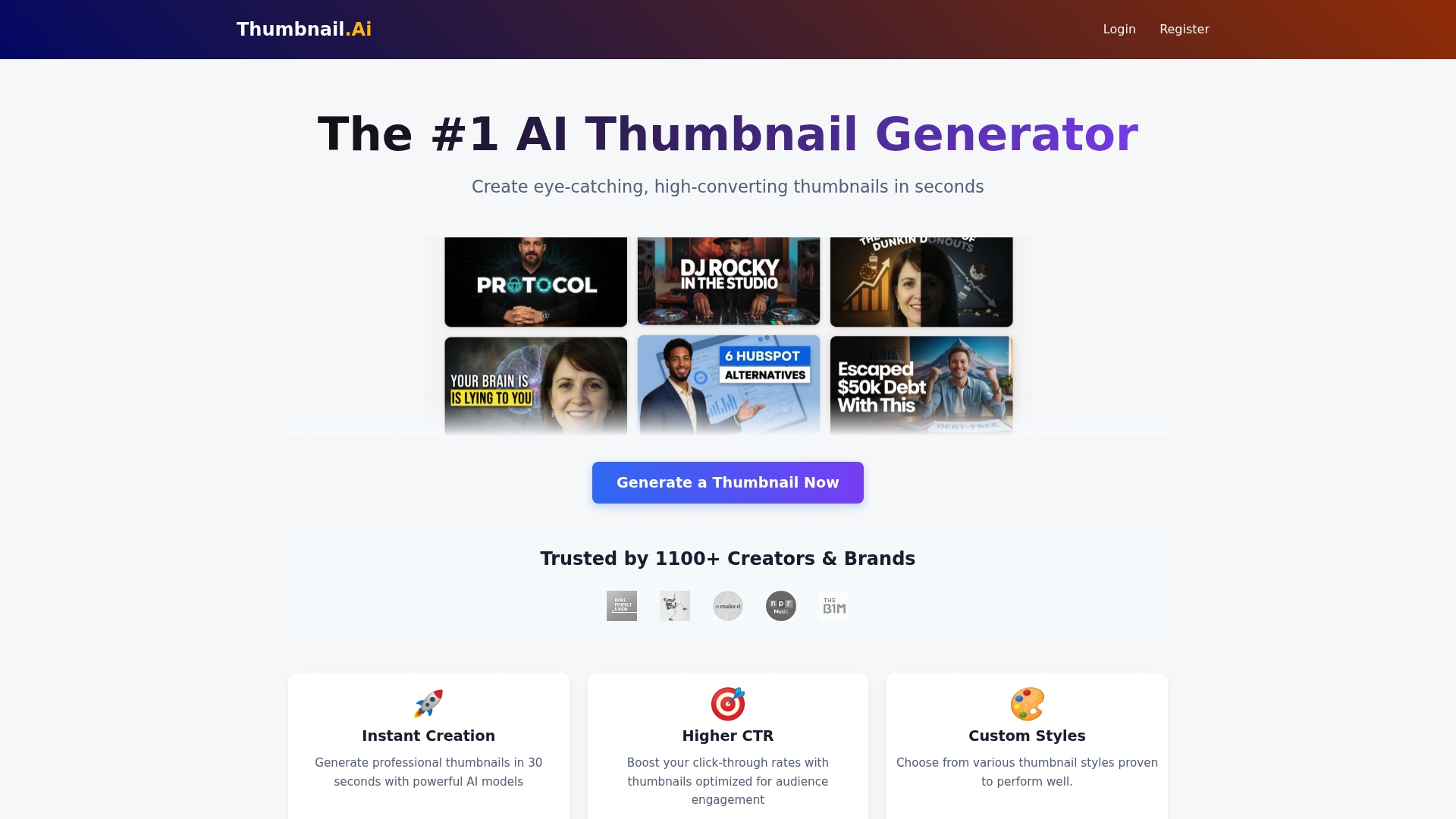
Thumbnail.AI delivers fast, AI driven thumbnail generation that gets you multiple options in about 30 seconds so you can test what works. It targets creators who need attractive thumbnails without design skills while offering free options for casual use.
Core Features
Thumbnail.AI automates thumbnail production with instant creation in 30 seconds, AI generated designs aimed at higher click through rates, and customizable styles that include over 15 style options. It accepts both text and image inputs and produces multiple variations between 1 and 8 per request.
Pros
-
Fast and efficient generation helps you move from idea to thumbnails in seconds which saves hours per week on design work.
-
Easy to use for non designers so YouTubers and marketers can get professional looking results without training.
-
Multiple aspect ratios supported make thumbnails suitable for YouTube, Shorts, and other social platforms which reduces manual resizing.
-
Free usage options available let casual creators experiment before committing to premium features which lowers the barrier to entry.
-
Designs tailored to content mean the AI tries to understand your input and generate thumbnails that reflect the topic and tone.
Cons
-
Limited customization options compared to full design software make it harder to fine tune every element if you need pixel perfect control.
-
Some features require a premium subscription which may matter if you need higher generation limits or advanced styling.
-
Dependence on AI interpretation means outputs do not always match exact user expectations which creates extra editing time for certain projects.
Who It's For
Thumbnail.AI suits YouTubers, social media marketers, small business owners, and content creators who prioritize speed and volume over deep manual control. If you regularly produce videos and need several thumbnail variations for A B testing this tool fits that workflow.
Unique Value Proposition
Thumbnail.AI combines speed and variety into a single service so creators can generate numerous thumbnail candidates in one session. The tool reduces friction for creators who lack design skills while letting them pick and test thumbnails quickly to improve click through performance.
Real World Use Case
A YouTuber uploads a video title and key frame then requests eight variations. They review the thumbnails, pick the highest performing option for the upload, and use a second variation in a community post as part of a simple A B test that saves hours compared to manual design.
Pricing
Thumbnail.AI offers free options with premium plans available for additional features and higher generation limits. The free tier supports casual use while paid plans unlock larger volumes and priority features.
Website: https://thumbnail.ai
vidIQ
At a Glance
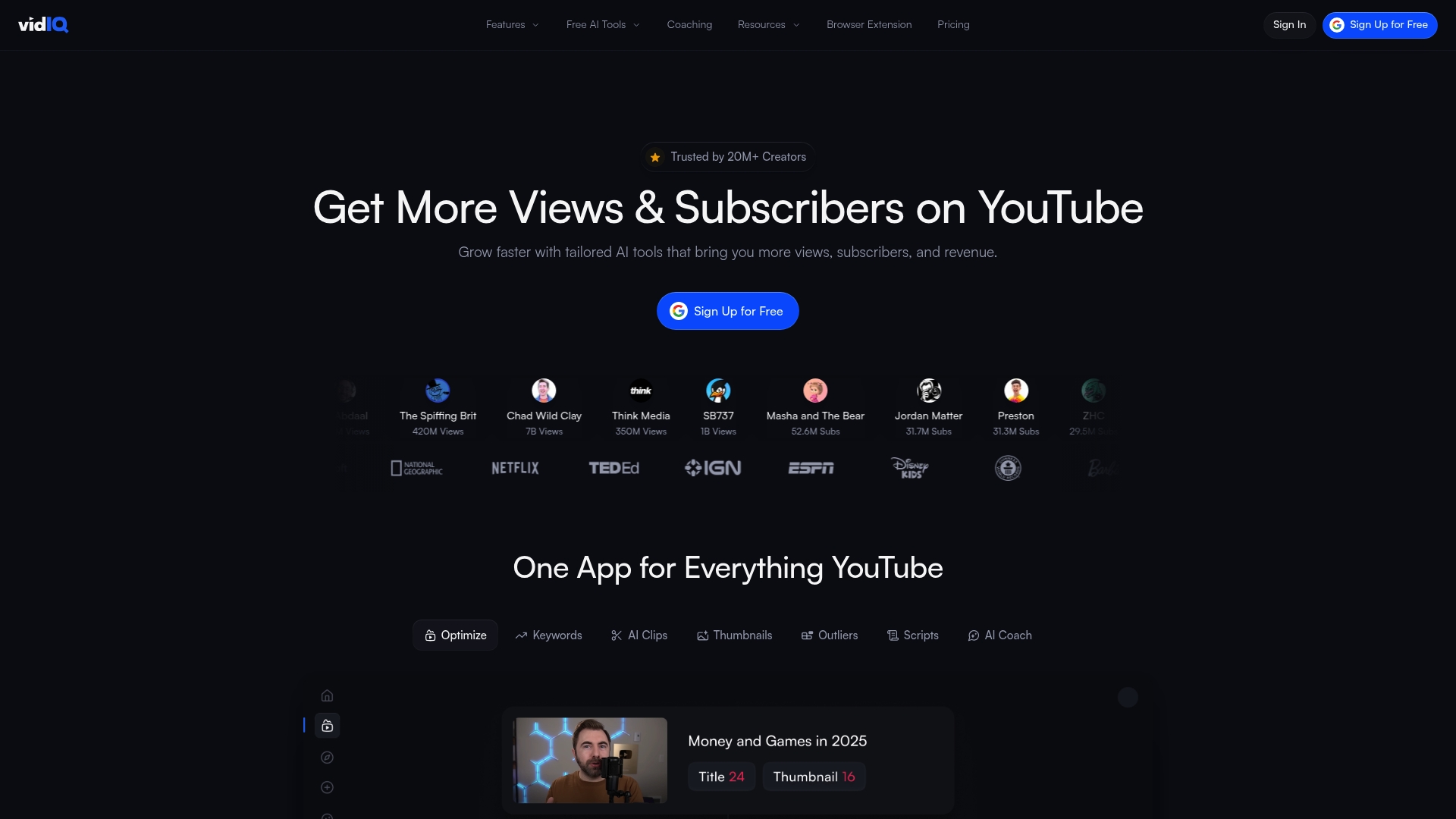
vidIQ helps YouTube creators grow channels with actionable analytics and optimization tools focused on views, subscribers, and revenue. The platform combines AI tools and human coaching to guide content choices and improve discoverability.
Core Features
vidIQ provides real-time analytics inside a browser extension and a web dashboard that tracks performance, competitor metrics, and audience trends. The platform includes AI-driven keyword, thumbnail, script, and clip optimization plus data-backed video ideas and optional coaching.
Pros
-
vidIQ offers a comprehensive suite of YouTube growth tools tailored for creators, making it easier to prioritize work that moves the needle.
-
The platform includes AI-powered features for keyword, thumbnail, script, and clip optimization, which accelerates content decisions.
-
Various plans fit different creator needs, from a free tier to Boost and Enterprise, which helps scale as your channel grows.
-
vidIQ provides coaching and personalized support for creators who want one-on-one guidance to refine strategy and execution.
-
The browser extension delivers on-the-fly analytics and keyword suggestions while you browse YouTube, speeding up research and competitor checks.
Cons
-
Some features are limited or unavailable on the free plan, which means serious optimization often requires a paid subscription.
-
Coaching plans are priced at a premium, making the service expensive for solo creators who are still monetizing their channels.
-
The user interface can be complex for new users, creating a learning curve before creators can extract maximum value.
Who It's For
vidIQ fits YouTube content creators and digital marketers who want a data driven path to channel growth. It works well for creators ready to act on keyword research, optimize thumbnails and scripts, and invest time in analytics.
Unique Value Proposition
vidIQ combines automated AI recommendations with human coaching and a real-time browser extension, which together turn raw channel data into actionable tasks. That combination helps creators move from vague ideas to measurable improvements in visibility and engagement.
Real World Use Case
A YouTuber uses vidIQ to identify high opportunity keywords, refine titles and tags, and test thumbnail variations suggested by the AI. With consistent optimization the creator sees improved search placement, higher view counts, and faster subscriber growth.
Pricing
A free plan is available for basic features. Boost starts at $16.58 per month billed yearly for enhanced tools. Coaching is $199 per month billed yearly for personalized guidance. Enterprise plans are available for larger teams and networks with custom pricing.
Website: https://vidiq.com
YouTube Thumbnail Solutions Comparison
Here's a concise comparison of leading tools to create YouTube thumbnails, facilitating decision-making for content creators seeking an efficient and innovative solution.
| Tool | Key Features | Pros | Pricing | Best For |
|---|---|---|---|---|
| Thumb.nail Studio | Web-based, AI-powered, Customization | Easy-to-use interface, Fast generation | Visit website for details | YouTubers needing rapid professional thumbnails |
| thumnail.ai | AI-driven design, Privacy focused | Automated workflow, User protections | Visit website for details | Creators prioritizing privacy and image usage |
| Canva | Versatile templates, AI-enhanced tools | Collaboration tools, Large template library | Free with paid plans available | Small teams needing multi-functional tools |
| Pikzels | Bulk generation, Data-backed scoring | Cost-effective, CTR-focused features | Plans from $40/month | High-volume content producers testing styles |
| ThumbleAI | 16:9 and 9:16 formats, Free and paid tiers | Simple workflow, Platform-specific outputs | Free with $11.99/month plan | Solo creators requiring speed and simplicity |
| Thumbnail.AI | Fast AI generation, Customizable styles | Supports multiple aspect ratios, Accessible | Free with premium options | Beginners needing rapid thumbnail variants |
Take advantage of these tools to improve your content's visual appeal and audience engagement.
Elevate Your Thumbnail Game Instantly with Thumb.nail Studio
The article highlights a common challenge these days YouTube creators face: producing professional and engaging thumbnails quickly without needing expert graphic design skills or wasting hours on trial and error. Many tools claim AI assistance, but few combine speed, simplicity, and accuracy as effectively as Thumb.nail Studio. If your goal is to maximize click-through rates through visually striking thumbnails created with the power of Google Gemini AI, then this is the solution built just for you.
Key benefits include:
- Fast generation of multiple thumbnail options
- An intuitive interface perfect for creators with no design background
- AI-powered designs optimized specifically for engagement
Stop struggling with complicated software and test the power of a platform that prioritizes your time and results. Visit Thumb.nail Generator today to create thumbnails that captivate your audience and grow your channel faster. Your next viral thumbnail is just seconds away!
Frequently Asked Questions
What are the top features to look for in thumbnail creation tools?
The best thumbnail creation tools should offer user-friendly interfaces, fast generation times, customization options, and AI-powered features for optimizing designs. Evaluate each tool based on these criteria to ensure it meets your specific needs for crafting engaging thumbnails quickly.
How can I choose the right alternative to thumnail.ai for my video content?
To choose the right alternative, assess your specific needs such as ease of use, speed of generation, and customization capabilities. Consider creating a list of your must-have features and compare alternatives against this list to find the best fit.
Are there free trials available for these thumbnail alternatives?
Many thumbnail creation tools offer free trials or free tiers, allowing you to test their functionalities before committing. Check each tool's website for trial options, and aim to experiment with 2-3 tools to determine which aligns best with your workflow.
How do I maximize the effectiveness of my thumbnails across different platforms?
To maximize the effectiveness of your thumbnails, ensure they are optimized for the specific dimensions and visual styles of each platform. Use A/B testing methods to evaluate which designs yield the highest click-through rates, adjusting your approach every few weeks based on performance data.
Can I batch create thumbnails using these alternatives?
Yes, many of the alternatives support batch creation, which enables you to produce multiple thumbnail designs simultaneously. Utilize batch processing features to streamline your workflow and save time, especially when preparing for series or campaigns.
What should I consider regarding pricing when choosing a thumbnail tool?
When evaluating pricing, consider not only the subscription cost but also the number of thumbnails you can create per month and the features included. Determine your budget and usage needs to select a plan that provides the best value for your volume of content creation.